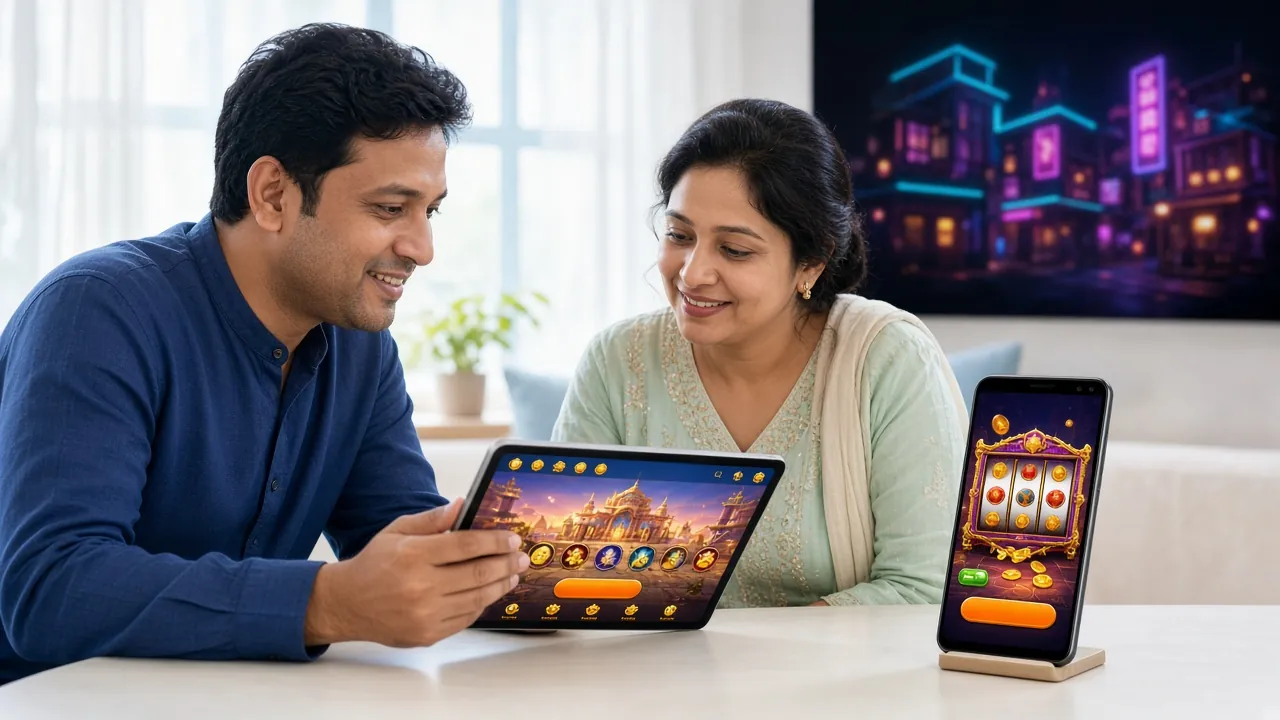
Download 3e33 bed APK and Play on Android
The official 3e33 bed app brings fishing games, live casino, and fast bKash deposits to your Android phone. Free to download, no browser needed. File size 41 MB — takes under two minutes to install.
- Official APK
- Android 6.0+
- Free to Install
- SSL Encrypted
- 18+ Play Responsibly
3e33 bed APK — File Details and Direct Download
Always download from this page to get the official, unmodified APK. Third-party APK sites may bundle modified files. The download is free and no sign-in is required before installing.
| App Name | 3e33 bed |
| Version | 3.7.6 |
| File Size | 41 MB |
| Android Required | 6.0 or above |
| Last Updated | 14 November 2026 |
| Price | Free |
| Language | English / Bangla |
iPhone Users: Add to Home Screen
The 3e33 bed app is an Android APK. iPhone users can get a near-native experience by adding the website to their home screen via Safari.
- Open 3e33bed.net in Safari on your iPhone.
- Tap the Share icon (the square with an arrow pointing up) in the bottom toolbar.
- Scroll down and tap "Add to Home Screen".
- Give it a name and tap Add. The icon appears on your home screen like a normal app.


The app gives full access to the casino lobby, including fishing, slots, and live tables.
Install the 3e33 bed APK on Your Android Phone
Android blocks APK files from outside the Play Store by default. You need to allow "Unknown Sources" once. The process takes around two minutes on most phones running Android 6.0 or later.
-
Allow Installation from Unknown Sources
Go to Settings → Security (or Privacy on Android 8+). Enable Install Unknown Apps. On newer phones, you can grant this permission per-app: allow it for your browser when prompted during download. You can turn it off again after installation for extra security.
-
Download the APK File
Tap the Download APK button on this page. Your browser will save 3e33bed.apk (41 MB) to your Downloads folder. Wait for the download bar to reach 100% before proceeding. On a 3G connection this usually takes under a minute.
-
Open and Run the Installer
Open your notifications panel or go to Files → Downloads. Tap 3e33bed.apk. Android will show an install screen listing the permissions the app requests. Tap Install and wait a few seconds for it to finish.
-
Log In or Create an Account
Tap Open when installation finishes. If you already have an account, go to 3e33 bed Login inside the app. New players: tap Register, fill in your mobile number, set a password, and deposit via bKash to claim the welcome bonus. The whole sign-up takes under three minutes.
-
Enable Push Notifications (Recommended)
When the app asks for notification permission, tap Allow. You will get alerts for deposit confirmations, withdrawal status, and limited-time promotions. You can manage these any time under Settings → Notifications inside the app.
Everything the App Puts in Your Pocket
The app is not a stripped-down mobile site. It carries the full feature set, optimised for touch screens and slow connections common in Bangladesh.
One-Tap Login
Save your credentials in the app. Next time, open and play within seconds — no typing your password every visit.
bKash & Nagad Deposits
Fund your account from inside the app. bKash, Nagad, Rocket, Upay, and bank transfer all supported. Minimum deposit ৳500, credited in about 4 minutes.
Full Casino Lobby
All slots, fishing games, and live dealer tables available. Titles from JILI, Evolution, Pragmatic Play, Habanero, FA Chai, and Playtech.
Fast Withdrawals
Request a payout and receive it in around 7 minutes. Minimum withdrawal is ৳400. No extra steps beyond what the browser version requires.
Push Notifications
Get instant alerts when your deposit lands, your withdrawal is processed, or a short-window promotion goes live.
24/7 Live Chat
Reach support directly from the app menu. No need to open a browser. Response times are consistent around the clock.
Fix Common APK Installation Problems
Most errors happen because of a system setting or an incomplete download. The table below covers the five most common issues and how to clear them in under a minute.
| Problem | Likely Cause | Fix |
|---|---|---|
| Installation Blocked | Unknown sources permission not enabled for your browser or file manager. | Go to Settings → Security → Install Unknown Apps. Enable it for the app you used to download the APK. Try installing again. |
| Parse Error | The APK file is corrupted or the download was interrupted before it finished. | Delete the partial file from your Downloads folder. Download the APK again on a stable Wi-Fi or 4G connection. Do not open the file until the download bar hits 100%. |
| Not Enough Storage | Your phone has less than 100 MB of free internal storage. | Delete unused apps or move photos to an SD card. You need at least 80 MB free for the APK and installation scratch space. The app itself uses about 41 MB after install. |
| App Crashes on Open | Android version below 6.0, or RAM under 1 GB being fully consumed by other apps. | Check Settings → About Phone to confirm you are on Android 6.0 or higher. Close all background apps before launching. Restart your phone, then open the app again. |
| APK Not Downloading | Browser is blocking the download, or your connection dropped mid-request. | Try a different browser (Chrome works reliably). Check that you have mobile data or Wi-Fi active. Disable any VPN during download. If the problem continues, use a different network (switch from mobile data to Wi-Fi or vice versa). |
Still stuck? Contact 3e33 bed support via 24/7 Live Chat. Have your Android version and the error message ready to share.
Using the App on Low-Memory Phones and Slow Connections
Many players in Bangladesh use entry-level Android phones on 2G or 3G networks. The 3e33 bed app is designed with this in mind. These settings help you get the best performance on limited hardware or data.
- Close background apps before playing. On phones with 2 GB RAM or less, open apps eat into memory the game needs. Swipe them closed from the recent-apps list first.
- Turn off auto-play animations. In the app's Settings menu, switch to Low Graphics Mode to cut data use and reduce CPU load on slower chipsets.
- Use Wi-Fi for downloading updates. App updates can be 20–30 MB. Download them on a home Wi-Fi connection to avoid mobile data charges.
- Enable Data Saver mode on Android. Go to Settings → Network → Data Saver and whitelist the 3e33 bed app so it still loads content, while other apps are restricted.
- Charge your phone before long sessions. Live casino games keep the screen on and stream video, which drains battery faster. A power bank or charger nearby helps.
- Reduce screen brightness. Lowering brightness while playing indoors extends battery life noticeably without affecting your ability to see the game.
What the App Asks Permission For and Why
When you install the 3e33 bed APK, Android shows a permissions list. Here is what each permission does, why the app needs it, and how to revoke it if you change your mind.
Only download APK files from 3e33bed.net. The same filename from other sites may be modified and carry malware. If your antivirus flags the file from a third-party source, delete it immediately and download again from this page.
| Permission | Why It Is Needed | How to Revoke |
|---|---|---|
| Internet Access | Load games, process payments, and connect to live chat. The app cannot function without this. | Cannot be revoked individually; disabling mobile data or Wi-Fi has the same effect. |
| Notifications | Send alerts for deposit confirmations, withdrawal updates, and promotions. | Settings → Apps → 3e33 bed → Notifications → toggle off any category. |
| Camera (Optional) | Upload a photo of your NID or Passport during account verification. Only activated when you tap the upload button. | Settings → Apps → 3e33 bed → Permissions → Camera → Deny. |
| Storage (Optional) | Read a saved document from your phone's gallery during document upload. Not used for any other purpose. | Settings → Apps → 3e33 bed → Permissions → Files and Media → Deny. |
| Vibration | Short haptic feedback on button taps and win events. Improves the game feel on touch screens. | Turn off vibration for all apps in Settings → Sound → Vibration, or ignore — it uses negligible battery. |
Questions About the 3e33 bed APK
Is the 3e33 bed APK safe to install?
Why is the app not on Google Play Store?
How do I update the 3e33 bed app to a newer version?
What if the APK installation keeps failing?
Can I run the app on two devices at the same time?
Do I need an account before downloading the APK?
Still Need Help?
The 3e33 bed support team is online 24 hours a day, 7 days a week. If your APK installation is not working and the troubleshooting table above did not help, start a live chat session directly from the app or from this website.
Open Live Chat View deposit guide after installing →